Rogers · Dealer ad builder

An ad builder that gives Rogers dealers finished ads without a designer.

Marketing Central is Rogers' marketing portal for its dealers. We built the portal, and inside it an ad builder: dealers fill in a template step by step and download files for print and the web. The templates are set up in designEdit.

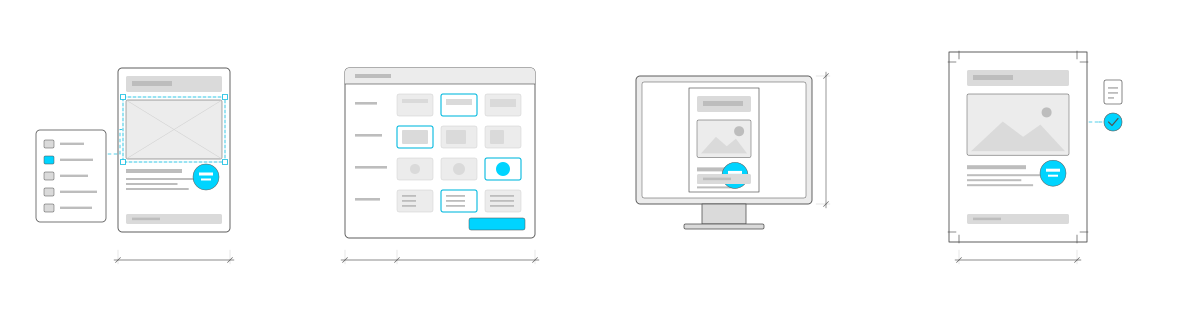
An ad builder drawn at four stages from left to right: a template sheet with a header band, a picture block selected with cyan handles, an offer badge and text lines, beside a panel of five checkboxes with one ticked in cyan and joined to the picture block; a panel of option rows with three thumbnails each and one chosen in cyan; the assembled ad shown on a screen; and the print-ready sheet with crop marks at its corners, a file icon and a tick in a cyan circle.An ad builder drawn at four stages from left to right: a template sheet with a header band, a picture block selected with cyan handles, an offer badge and text lines, beside a panel of five checkboxes with one ticked in cyan and joined to the picture block; a panel of option rows with three thumbnails each and one chosen in cyan; the assembled ad shown on a screen; and the print-ready sheet with crop marks at its corners, a file icon and a tick in a cyan circle.
TemplateBuildPreviewPrint

At a glance

Client
Rogers
Through Cosmic Design, the agency that brought us in
What we did
Template builder in designEdit
Ad builder for dealers
Print and web files, built with open-source tools
Dealer portal, in English and French
Ongoing updates
Platform
designEdit
In use
In numbers
More than a thousand templates
Thousands of ads made by dealers

Ads for every dealer, without design software

Marketing Central is where dealers across Rogers, Fido and chatr, and Rogers' channel partners, get their marketing: the ads, logos, images and video for their local promotions. Dealers run those promotions themselves and need ads for them, in print and online. Most have no design experience and no design software, and every ad still has to look like Rogers. Rogers' marketing team needed to turn out templates without a developer for each one, and dealers needed to fill them in without breaking them. Cosmic Design, the agency on the project, brought us in to build the portal and the ad builder inside it.
Play the builder in 30 seconds: an administrator sets up a template, then a dealer builds an ad from it and downloads the files. Recorded on an earlier version of designEdit.

The template builder

Administrators build each template in designEdit, on top of the artwork itself.

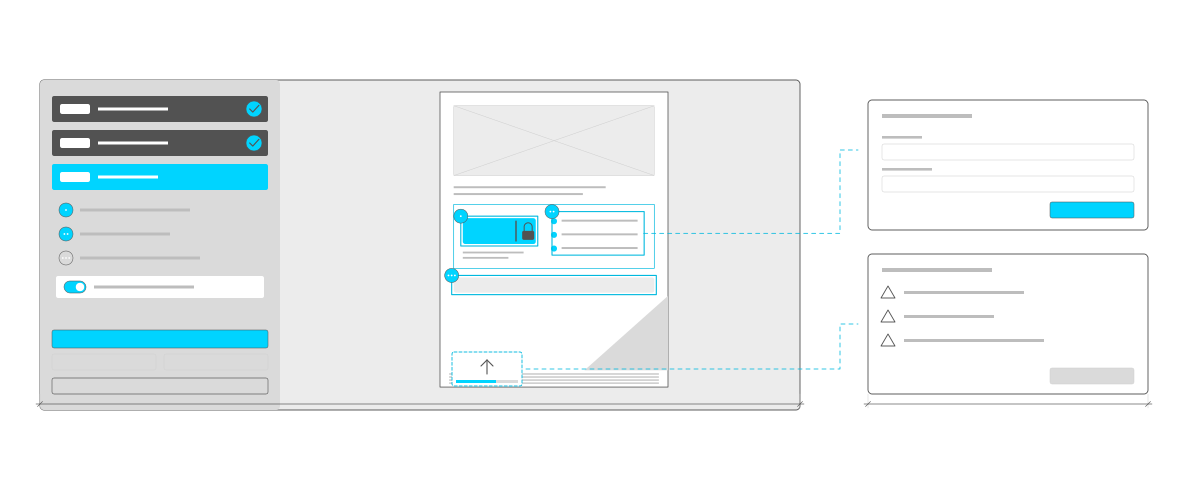
  • Boxes on the template. Draw a box for each piece the dealer can change, as text, a paragraph or an image, then move and resize it by hand or by typing its position and size in inches.
  • Rules for each box. The brand font, colour, size and alignment, placeholder text, whether it's required, a fixed dollar or percent sign, and number limits for prices and discounts.
  • The dealer's steps. Each template has its own steps, such as header, call to action and content, and each step is one of four kinds: a choice of layouts, a choice of images, a list of options, or a set of boxes to fill.
  • Groups. Sets of boxes that switch on together, with combinations where only one group can be chosen.
  • A real preview. The administrator can open the dealer's builder from inside the template builder, to try the template exactly as a dealer will.
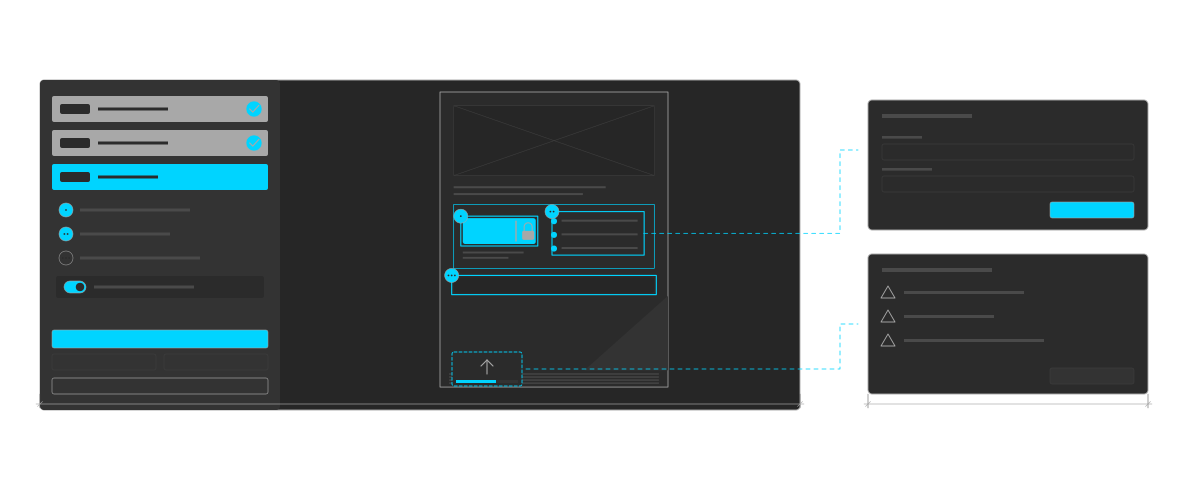
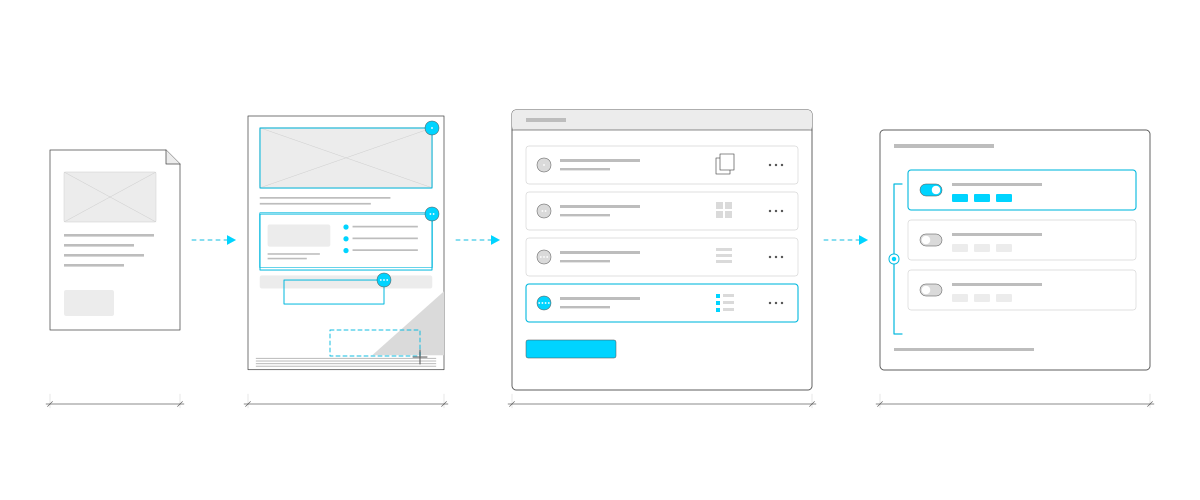
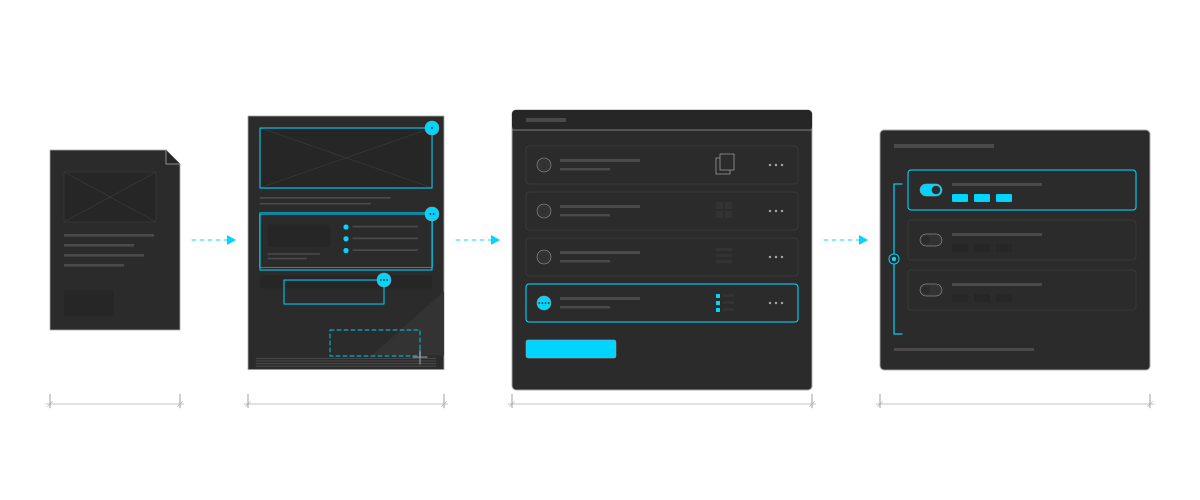
Setting up a template, drawn left to right. A template file. The ad with three numbered boxes drawn on it in cyan and a fourth being drawn with a crosshair. A list of four steps, each with a different type: layouts, images, a list of options, and several boxes, the last one selected. Then three groups with switches, the first on, joined by a bracket that lets only one be chosen.Setting up a template, drawn left to right. A template file. The ad with three numbered boxes drawn on it in cyan and a fourth being drawn with a crosshair. A list of four steps, each with a different type: layouts, images, a list of options, and several boxes, the last one selected. Then three groups with switches, the first on, joined by a bracket that lets only one be chosen.
Setting up a template: boxes drawn on the template, the dealer's steps, and groups of boxes that switch on together, with sets where only one group can be on.

The dealer's builder

A dealer finds an ad in the portal and chooses to customize it. The builder opens over the page and takes them through the template's steps, one at a time.

  • Typed straight into the ad. Text goes into its box on the ad itself, and stops when the box is full, so nothing spills over the design. Prices and discounts are checked against their limits.
  • Their own details. The dealer adds their company name and contact details and uploads their logo.
  • Checked before it's made. Anything required and still empty is listed, and each item jumps to its box.
  • Saved ads. Dealers can save an ad, come back to edit it, or save a copy under a new name.
The dealer's builder. On the left, the steps: two done with cyan ticks, the third open with its numbered boxes and a group switched on, and next, save, create and reset buttons. On the right, the ad with the open step's boxes outlined and numbered, a cursor typing in the offer box, with a lock on the part the dealer can't change, and a logo uploading. Leaders out to two dialogs: one asking for an option's details, and one listing required boxes still empty.The dealer's builder. On the left, the steps: two done with cyan ticks, the third open with its numbered boxes and a group switched on, and next, save, create and reset buttons. On the right, the ad with the open step's boxes outlined and numbered, a cursor typing in the offer box, with a lock on the part the dealer can't change, and a logo uploading. Leaders out to two dialogs: one asking for an option's details, and one listing required boxes still empty.
The dealer's builder: one step at a time, text typed straight into the ad, a logo upload, and the checks before the files are made.

Getting the PDF right

The hardest part was the file at the end. What the dealer sees in the browser has to come out the same in the PDF, box for box, with the brand colours ready for print, and we built it with open-source tools rather than a commercial print server.

  • The template stays sharp. The original artwork is placed into the PDF as vector artwork, not flattened into a picture.
  • The real fonts. Rogers' own typeface is embedded in every weight the templates use.
  • The same boxes on screen and in print. The builder on screen and the PDF are laid out from the same template, box for box and inch for inch, including paragraphs with bold, italics and headings.
  • Print colour. Brand colours are converted to CMYK through print colour profiles. Dealers' photos stay as uploaded, scaled and placed where the template puts them.
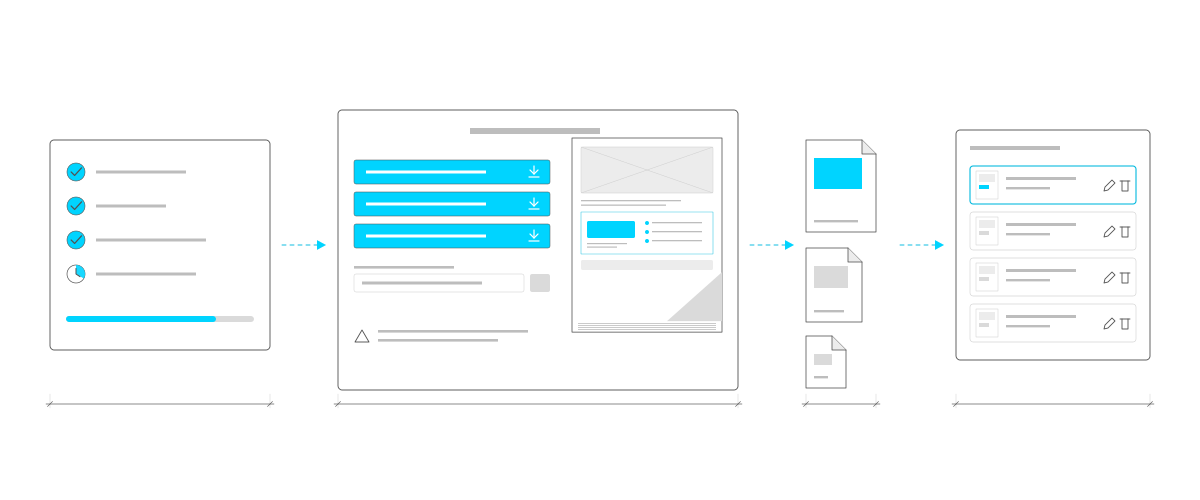
  • Print and web. Each ad comes out as a high-resolution PDF and a 300 dpi image for print, a 72 dpi image for the web, and a link to share, with clickable links for digital ads.

The dealer watches the files being made, step by step, and can download them straight away or come back to them later.

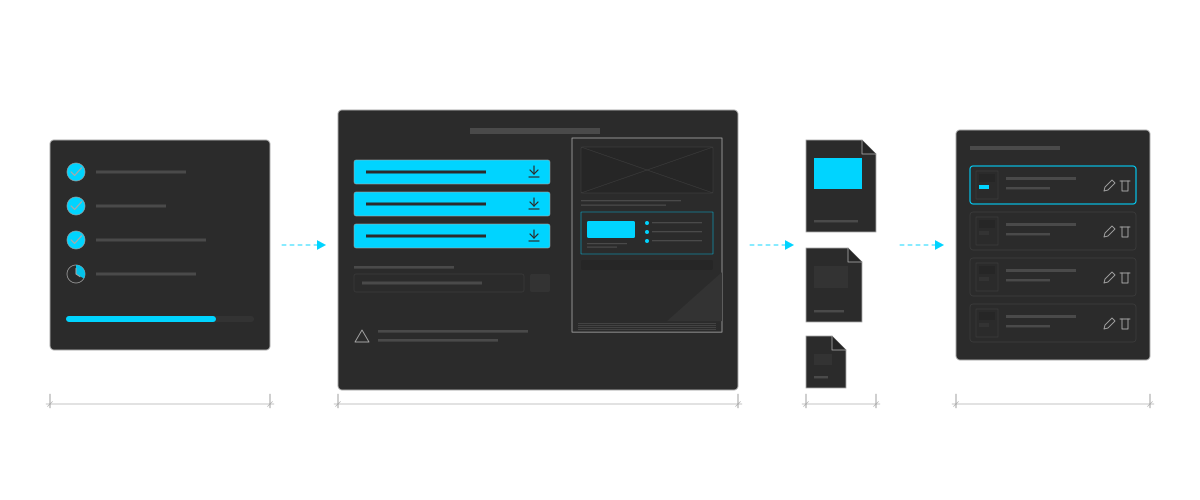
What comes out, drawn left to right. Progress: three steps ticked, one in progress and a bar three-quarters full. The files ready: three cyan download buttons, a link to copy and a note, beside a preview of the ad. Three files of different sizes for print and web. Then a list of saved ads, each with buttons to edit or delete it.What comes out, drawn left to right. Progress: three steps ticked, one in progress and a bar three-quarters full. The files ready: three cyan download buttons, a link to copy and a note, beside a preview of the ad. Three files of different sizes for print and web. Then a list of saved ads, each with buttons to edit or delete it.
What comes out: progress while the files are made, a print PDF and print and web images, and the ad saved to come back to.

The rest of the portal

The builder is one part of Marketing Central. The portal is in English and French; the builder itself is in English.

  • A library of ads, logos, images, video and presentations, sorted by brand and category, with search, favourites and sizes for each ad.
  • Accounts that dealers request and administrators approve, with access to each brand and category set per dealer.
  • Requests for anything the templates don't cover: resizes, special formats and custom ads.
  • Offers that expire on their end date, so dealers only see what they can run.

Marketing Central is still in use, and we keep it up to date, most recently with a new dealer channel and access by category.

Connected services

The drawings show the idea, not the real screens. Rogers, Fido and chatr are trademarks of Rogers Communications. Design of a Decade is an independent studio.

Need a tool for your team or your dealers?

Tell us about it.

info@designofadecade.com

+1 647.409.1479

Burlington, Ontario