Major loyalty program · Offer portal

A custom offer platform for a major loyalty program.

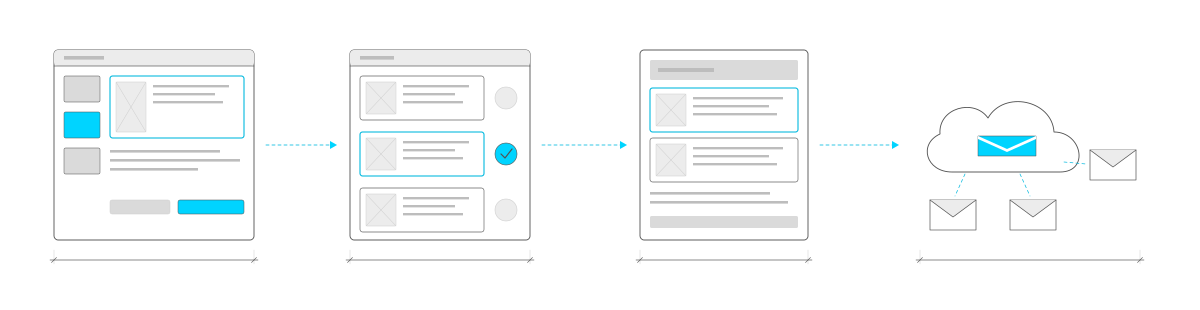
Partners prepare offers from a library of pre-built layouts, the program's team approves them, and campaigns go out through Salesforce Marketing Cloud. A marketing agency led the scoping and planning. We did all the programming and all the AWS work, and we still support it.

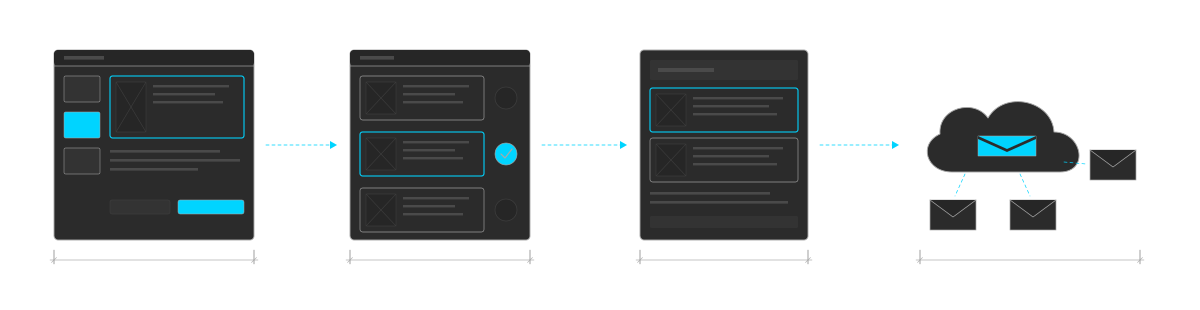
An offer drawn at four stages from left to right: a partner's form with a shelf of content blocks and an offer selected in cyan; a review list of three offers with the middle one ticked; an email campaign with the approved offer in it; and a cloud platform sending envelopes out.An offer drawn at four stages from left to right: a partner's form with a shelf of content blocks and an offer selected in cyan; a review list of three offers with the middle one ticked; an email campaign with the approved offer in it; and a cloud platform sending envelopes out.
PrepareReviewCampaignSend

At a glance

Client
Major loyalty program
Client not named
What we did
All programming
All AWS architecture and infrastructure
Custom web app for partners and staff
Salesforce Marketing Cloud connection
Developer tool for HTML and AMPscript layouts
Ongoing support
Platform
AWS
Salesforce Marketing Cloud
Status
In use
Supported by us

The idea

A loyalty program's emails depend on its partners' offers, and every offer has to carry the right content and the right branding. The idea was to let partners prepare their own offers from a library of pre-built layouts, while the program's team keeps control of the brand and the final approval. Nobody has to assemble each email by hand.
What we built

We built one platform from scratch around that process, and each kind of user has a different job in it.

  • Partners choose a layout and write their offer as a block, in English and French, preview it and send it for review. They only ever see their own organization's blocks, and once a block is approved it's locked for them, so any change starts with an edit request to the program's team.
  • The program's team approves each block or sends feedback, answers edit requests, decides which of the program's own blocks appear in the partners' library, and builds the campaigns.
  • Administrators invite and manage the people at the program and at each partner.
  • Developers at the marketing agency add and update layouts themselves, with a tool we built for them that previews and checks each layout before it is pushed live.

Everyone gets notified in the platform and by email when something needs them, and every block and campaign keeps a history of who did what.

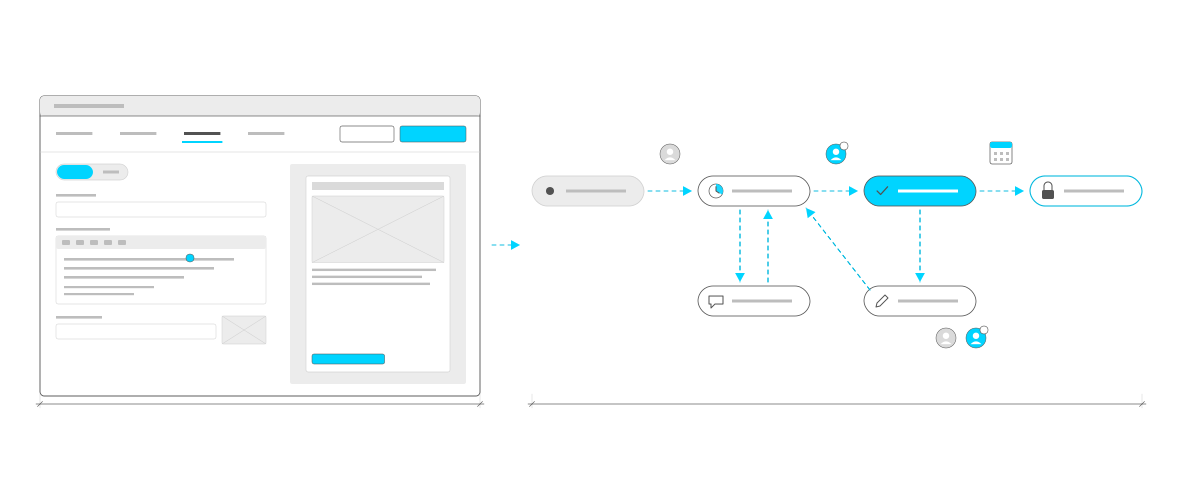
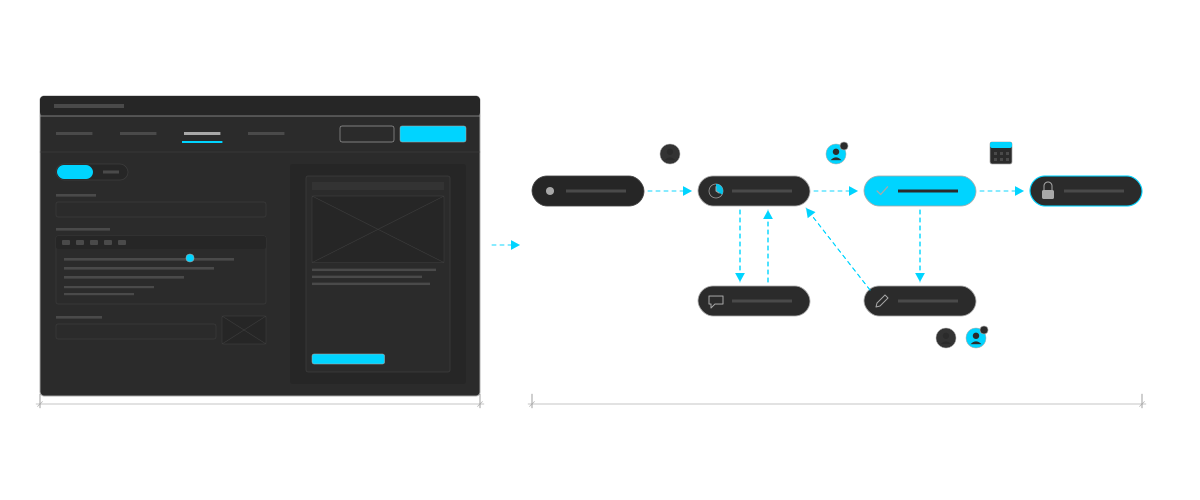
A partner's block drawn in two parts. On the left, the block editor: four steps along the top with the third active, a save button and a cyan send button, an English and French switch, the layout's fields with a rich-text box carrying a cyan legal mark, an image field, and a live preview of the email beside it. On the right, the statuses as pills: draft, then in review after a partner sends it, then approved in cyan after the program's team approves it, then locked once a campaign is scheduled. Below review, a feedback pill with arrows down and back up. Below approved, an edit request pill that leads back to review, with a partner and a team member beside it.A partner's block drawn in two parts. On the left, the block editor: four steps along the top with the third active, a save button and a cyan send button, an English and French switch, the layout's fields with a rich-text box carrying a cyan legal mark, an image field, and a live preview of the email beside it. On the right, the statuses as pills: draft, then in review after a partner sends it, then approved in cyan after the program's team approves it, then locked once a campaign is scheduled. Below review, a feedback pill with arrows down and back up. Below approved, an edit request pill that leads back to review, with a partner and a team member beside it.
A block from the editor to approval: the partner sends it for review, the program's team approves it or sends feedback, and a scheduled campaign locks it. A drawing of the idea, not the real screens.

From blocks to a campaign

A campaign is one email with several versions. Each version has its own languages, subject lines and preheaders, its own blocks in order, dragged in from a directory of blocks, and its own audience: rules for who is included and who is left out. A block inside a version can carry rules of its own, so one email can show different offers to different members.

The campaign sets the send date and the control group. Legal marks in the offers are numbered when the email is built, so each version's legal copy matches what it shows. And when two people edit the same block or campaign, the platform catches it and asks before anything is overwritten.

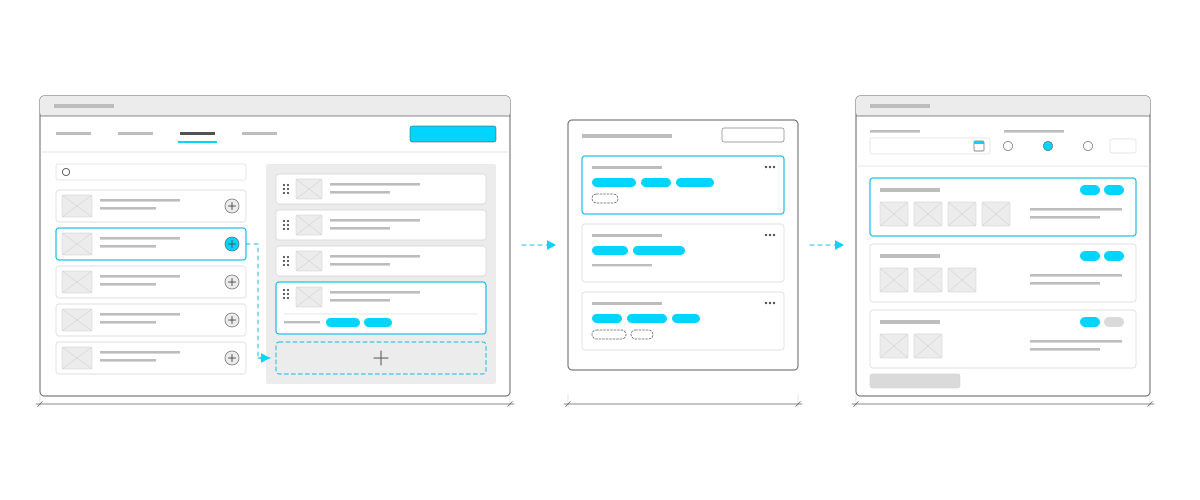
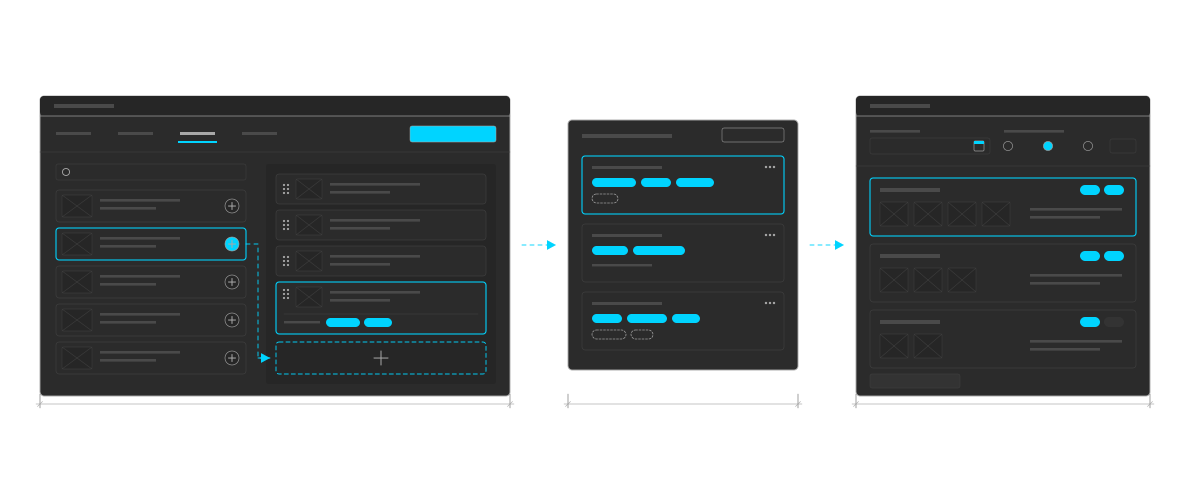
A campaign drawn left to right. A version's blocks tab: a searchable directory of blocks on the left, one being added, and on the right the email's blocks in order with drag handles, one opened to show its own targeting chips, and a dashed space for the next block. Then a panel of targeting rules, with cyan chips for who is included and dashed chips for who is left out. Then the campaign itself: a date field, a control group choice with a percentage, and three versions, each with language markers, its own blocks and its own lines.A campaign drawn left to right. A version's blocks tab: a searchable directory of blocks on the left, one being added, and on the right the email's blocks in order with drag handles, one opened to show its own targeting chips, and a dashed space for the next block. Then a panel of targeting rules, with cyan chips for who is included and dashed chips for who is left out. Then the campaign itself: a date field, a control group choice with a percentage, and three versions, each with language markers, its own blocks and its own lines.
A campaign: blocks dragged into each version, targeting rules for who gets which version and which block, and several versions under one date and control group.

Before it goes out

  • A pre-flight check. The date, the control group, every version's subject lines and languages, the blocks' dates, every block approved, every link and image reachable, and a test sent since the last change.
  • A test send to a short list of addresses, sent through Salesforce Marketing Cloud, like the real one.
  • Scheduled. Scheduling locks the campaign's blocks. Unscheduling pauses the send and unlocks them. Several campaigns can be scheduled at once.
  • Afterwards. Campaigns are marked as sent, and blocks expire at their end date, overnight and without anyone having to do it.
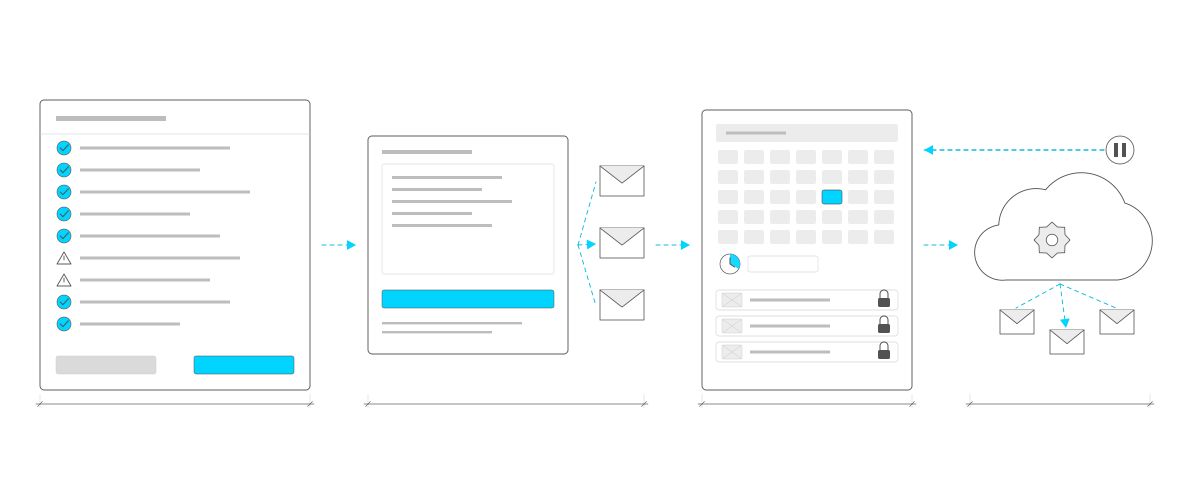
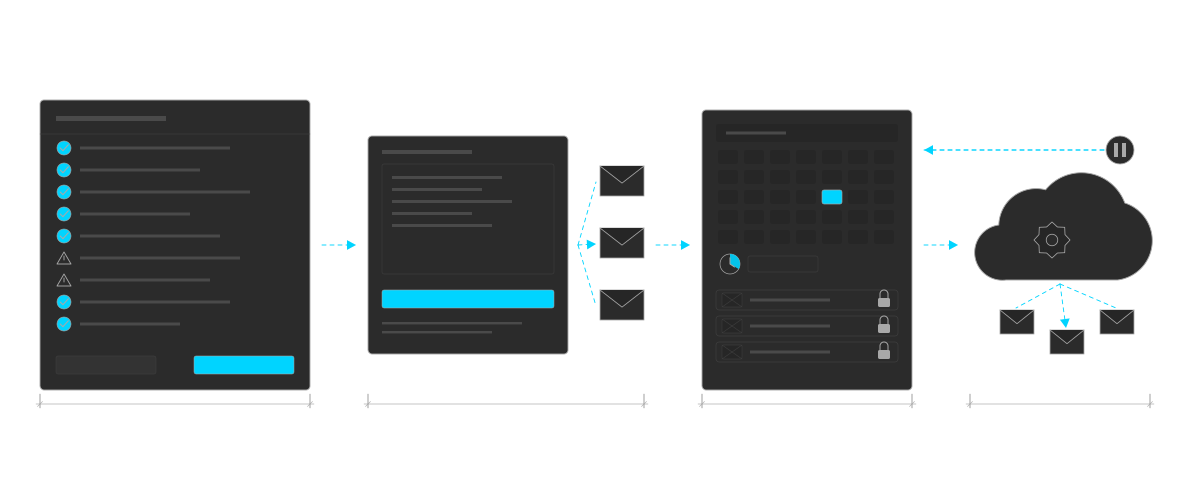
Before a campaign goes, drawn left to right. A checklist of nine checks, seven ticked in cyan and two marked as warnings, with a report button and a cyan schedule button. A test send: a short list of addresses and a cyan send button, with three envelopes going out. The schedule: a calendar with one day in cyan, a time, and the campaign's three blocks each with a lock. A cloud with a gear sending envelopes, and a pause button with an arrow back to the schedule.Before a campaign goes, drawn left to right. A checklist of nine checks, seven ticked in cyan and two marked as warnings, with a report button and a cyan schedule button. A test send: a short list of addresses and a cyan send button, with three envelopes going out. The schedule: a calendar with one day in cyan, a time, and the campaign's three blocks each with a lock. A cloud with a gear sending envelopes, and a pause button with an arrow back to the schedule.
Before it goes: the pre-flight check, a test send to a short list, the schedule with the campaign's blocks locked, and the send, which unscheduling pauses.

Connected to Salesforce Marketing Cloud

The platform doesn't replace Salesforce Marketing Cloud, which still delivers the email. It gives partners and staff a simpler place to work, and it fits the automations already set up in Marketing Cloud: it passes each campaign's content and audience rules across, runs the test send, and sets or pauses the schedule.

The program's marketing rules stay where they were. Contact limits and the control group are applied in Marketing Cloud as each send runs.

New layouts without changing the platform

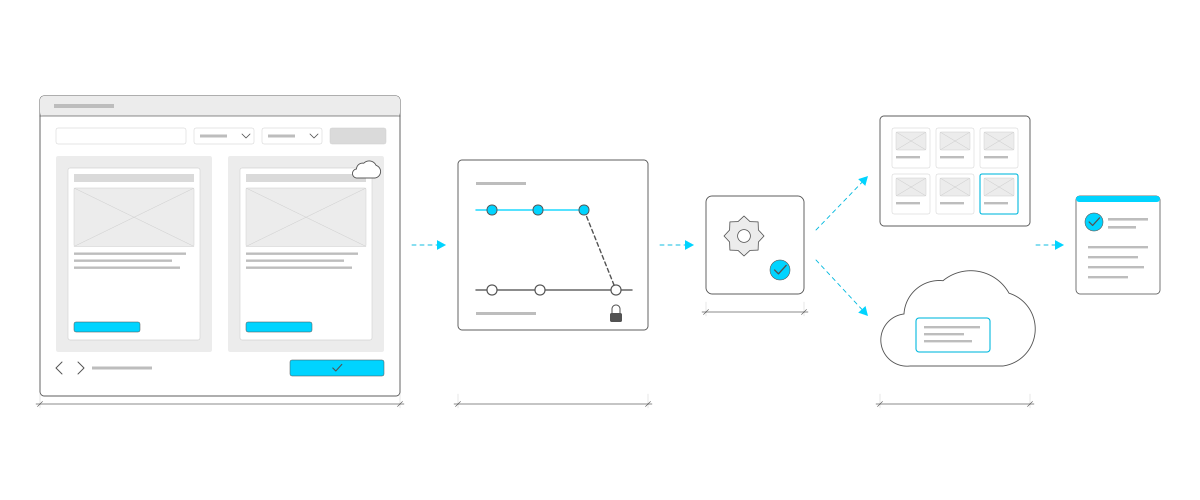
We built a tool so the marketing agency's developers can add and update layouts themselves, without relying on us. The platform shows each block in HTML, while Marketing Cloud needs it in AMPscript, its own template language. A layout keeps the HTML, the AMPscript and its form fields together. In the tool, the two are previewed side by side, the AMPscript rendered by Marketing Cloud itself, and a preview email can go to any inbox.

When a layout is ready, it goes to staging first and to production once approved. A deployment step checks it, updates the library and Marketing Cloud at once, and posts the result in the team's chat.

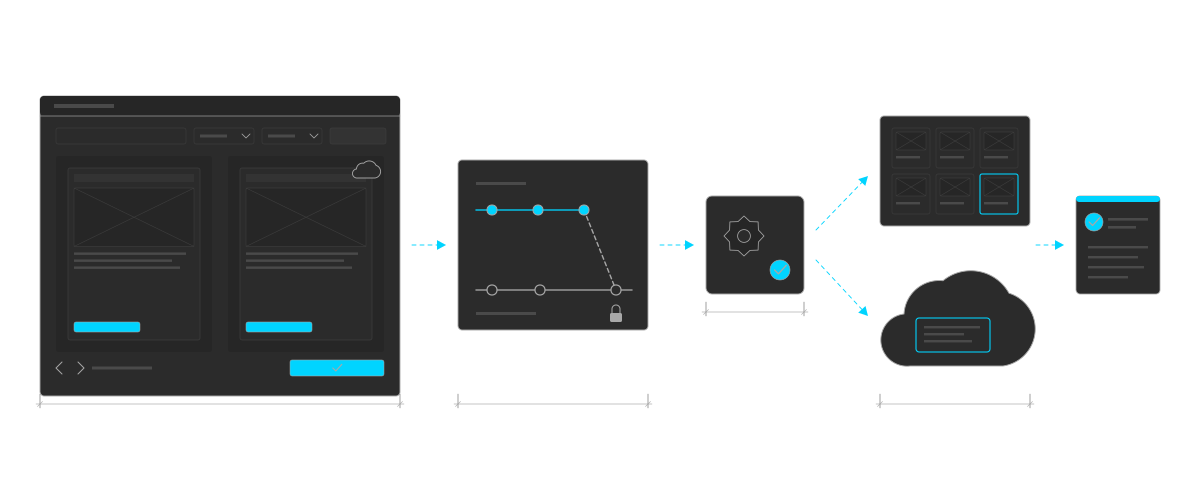
A new layout drawn left to right. A developer's tool with a block picker and two previews of the same email side by side, the second marked with a small cloud, and a cyan validate button with a tick. A branch diagram: commits in cyan on a staging line merging into a locked production line. A box with a gear and a cyan tick, for the automatic check and deploy. Arrows out to two places: a grid of layouts with the new one outlined in cyan, and a cloud holding the block. Then a chat card with a cyan tick.A new layout drawn left to right. A developer's tool with a block picker and two previews of the same email side by side, the second marked with a small cloud, and a cyan validate button with a tick. A branch diagram: commits in cyan on a staging line merging into a locked production line. A box with a gear and a cyan tick, for the automatic check and deploy. Arrows out to two places: a grid of layouts with the new one outlined in cyan, and a cloud holding the block. Then a chat card with a cyan tick.
A new layout: previewed as HTML and as AMPscript, checked, pushed to staging and then production, and deployed to the platform and Marketing Cloud at once, with a note in the team's chat.

How it runs

The platform runs on AWS: serverless functions for the application, a managed database on a private network with no route from the internet, and queues for the notifications and emails. The infrastructure is defined in code, and every change goes through a staging environment before production.

A system this close to a major brand has to be locked down too: multi-factor sign-in for everyone, sessions that end when idle, a strict Content Security Policy, a firewall in front, and automated threat detection that alerts the team.

We still support it

The work didn't end at launch. We still support the platform day to day: new layouts, the alarms and alerts, and whatever the program's team needs next.

Connected services

The client and its partners are not named, and the drawings show the idea, not the real screens. Amazon Web Services (AWS), Salesforce and Marketing Cloud are trademarks of their respective owners. Design of a Decade is an independent studio and is not affiliated with or endorsed by Amazon or Salesforce.

Need a platform for your partners or your team?

Tell us about it.

info@designofadecade.com

+1 647.409.1479

Burlington, Ontario